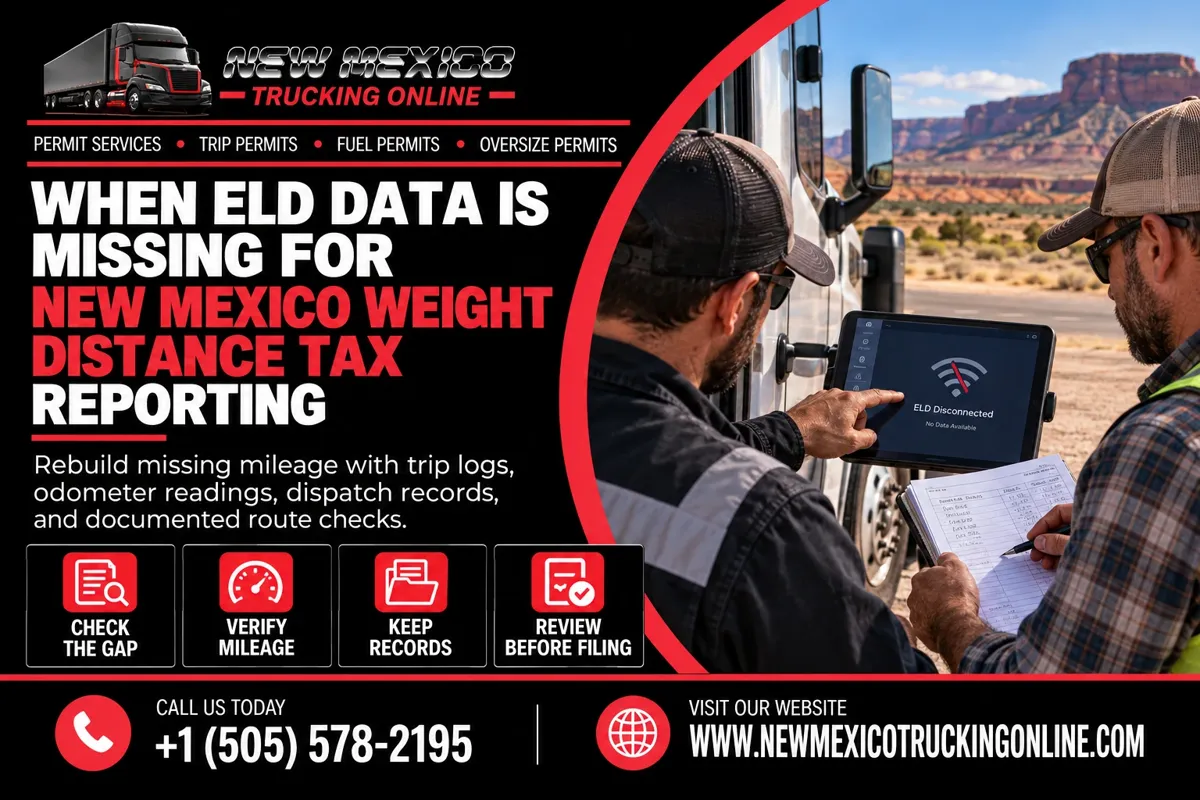
What Should Carriers Do If ELD Data Is Missing for New Mexico Weight Distance Tax Reporting?
Table Of Contents
-
Introduction
-
Why Missing ELD Data Matters for NMWDT
-
Common Reasons Mileage Data Goes Missing
-
How to Reconstruct New Mexico Mileage
-
Records That Can Help Verify a Trip
-
Review the Numbers Before Filing
-
Mistakes to Avoid
-
Why Many Trucking Companies Choose Our Service
-
FAQ
Introduction
Electronic logging devices and fleet systems help carriers track truck movements, but devices can fail, lose connectivity, or leave gaps in trip records. When that happens, carriers still need a reliable way to account for the miles driven in New Mexico for New Mexico Weight Distance Tax reporting.
Missing ELD data does not mean no miles were driven. Qualifying carriers generally must file even when New Mexico mileage is zero, so reconstruct any actual travel from supporting records rather than guessing.
Why Missing ELD Data Matters for NMWDT
The New Mexico Weight Distance Tax is tied to vehicle weight and miles traveled on New Mexico highways. A gap in mileage records can make it difficult to substantiate how the reported total was calculated.
A mileage gap may lead to inaccurate calculations or make a later account review more difficult. A backup recordkeeping process helps document travel when the ELD or software is unavailable.
Common Reasons Mileage Data Goes Missing
Mileage records may have gaps because:
-
The ELD or GPS device loses power or stops recording.
-
A tablet or phone fails to sync with the fleet platform.
-
A truck is switched during a trip, but the dispatch record is not updated.
-
A software update or device replacement interrupts the data feed.
-
A driver forgets to submit a trip sheet, or dispatch saves it under the wrong vehicle.
-
The trip exists in the fleet system, but the exported report omits it.
Identify the truck, driver, dates, and affected route segment before reconstructing the missing information.
How to Reconstruct New Mexico Mileage
Define the gap by truck, trip, date, and route segment. Avoid rebuilding a full quarter if only one part is uncertain.
Check odometer readings near state entry and exit, driver trip sheets, dispatch logs, other GPS history, and pickup or delivery documents. Fuel receipts can support a timeline but may not establish the full New Mexico distance on their own.
If a mapping tool helps estimate a missing route segment, document the route and method used, then compare the result with other records. Do not describe an estimate as a direct device reading. If documents conflict or the amount remains uncertain, consult the New Mexico Taxation and Revenue Department or a qualified tax professional before filing.
Note what failed, which records were reviewed, and how the final mileage figure was calculated.
Records That Can Help Verify a Trip
Create one record packet for each gap. Include available items such as:
-
ELD exports or screenshots showing the missing interval and surrounding activity.
-
Odometer readings, driver logs, trip sheets, and vehicle assignments.
-
Dispatch instructions, load documents, pickup or delivery timestamps, and route notes.
-
GPS history from a separate platform.
-
Fuel receipts or other documents that support the timeline.
-
A worksheet showing the route segments and the mileage attributed to New Mexico.
Match each item to the correct truck and date. Preserve original files and label reconstructions clearly.
Review the Numbers Before Filing
Before using reconstructed mileage in a New Mexico Weight Distance Tax return, review the calculation from start to finish.
Confirm that the segment occurred in New Mexico, exclude neighboring-state miles, and check for duplicate mileage between recovered ELD data and the reconstruction. Compare totals with trip dates, dispatch records, and odometer readings.
Confirm the correct reporting period and vehicle information. If your company operates multiple trucks, review the mileage for each vehicle before combining totals for the return. Have another employee check unusually large gaps or differences when practical.
Save the calculation with supporting records and resolve gaps before the deadline. If a filed return later proves incorrect, review the department’s correction procedure instead of assuming a duplicate filing will fix it.
Mistakes to Avoid
Do not enter zero miles simply because an ELD report is incomplete. Verify whether the truck traveled in New Mexico during the affected period.
Do not rely only on a driver’s memory if dated records are available. Preserve the original ELD data, and keep any reconstruction separate with a clear explanation. Do not edit a raw export to make it appear complete.
Finally, avoid waiting until filing day to investigate missing information. A regular trip-close or monthly review can reveal gaps early, while drivers and dispatchers can still help.
Why Many Trucking Companies Choose Our Service
Preparing for a permitted trip and keeping compliance details organized can take time away from dispatch and fleet operations. New Mexico Trucking Online helps trucking companies navigate New Mexico permit needs and organize key application information, making it easier to prepare for travel and keep important details in one place.
Our service is designed to make the permit process more manageable through a simpler application experience, practical assistance, and support when carriers have questions about required information. Accurate mileage records remain the carrier’s responsibility, but a more organized compliance workflow can help reduce avoidable delays and last-minute confusion.
FAQ
Can I file a New Mexico Weight Distance Tax return if my ELD data is missing?
First review available records and determine the New Mexico miles traveled. Missing ELD data does not prove that no mileage occurred.
Can dispatch records help replace missing ELD data?
Yes, dispatch records may support a reconstruction when they identify the correct vehicle, trip, dates, and route. Keep supporting documents and confirm what records are appropriate for your circumstances.
Are fuel receipts enough to reconstruct mileage?
A fuel receipt alone may not establish the full distance traveled in New Mexico. Use it alongside trip, route, vehicle, and odometer records.
What if two records show different mileage totals?
Compare the sources, identify what each measures, and document how the difference was resolved. If the correct amount remains unclear, seek guidance before filing.
What if I already filed a return with incorrect mileage?
Review the department’s procedures for correcting a previously filed return. Keep the original return, mileage evidence, and records of any correction.
For more information, visit the New Mexico Taxation and Revenue Department.